
Benefit from smart stock orders for multiple suppliers with
AGCO Aftersales Inventory Management (AIM)
AGCO Aftersales Inventory Management (AIM) builds on our existing Managed Dealer Inventory (MDI) integration, allowing you to create intelligent stock orders - not just for AGCO parts, but for multiple manufacturers and suppliers as well. To get started with AIM, you will need to have MDI set up. Once in place, AIM pulls stock and sales data for different manufacturers to create suggested stock orders. This means you can use intelligent stock ordering for all your suppliers, making inventory management easier and more efficient across your dealership.
More Supplier Choice
Choose which suppliers to include and receive clear, suggested stock orders - all in one place.
Right Stock, Right Time
AIM helps you stock what your customers need, when they need it - making it easier to meet demand more consistently.
Plan with Confidence
By reviewing purchase history and trends, you can make more informed decisions about future stock orders.
Streamlined Process
AIM works seamlessly with Gold, so you don’t have to learn anything new. It’s business as usual, just more streamlined.
Stay Ahead of Demand
Suggested stock orders help you prepare in advance, so you have the right stock to fill orders the first time.
Protected Data
Any non-AGCO parts data that you send will only be used to create the stock order and will not be shared with AGCO.
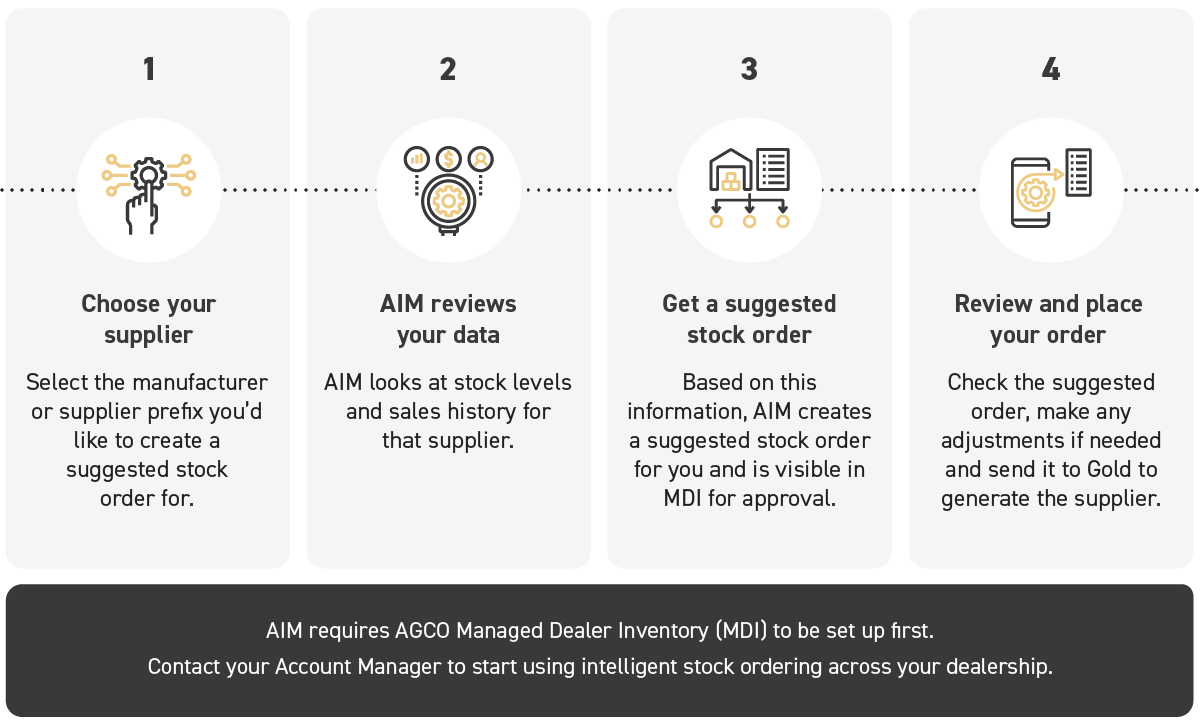
How Does It Work?
Download our info sheet
Resources
AGCO AIM
Product Manual
User Guides
Checklist
Updates
FAQs
From setup to order review, this manual covers everything you need to configure AGCO AIM, extract data and manage order suggestions.
Download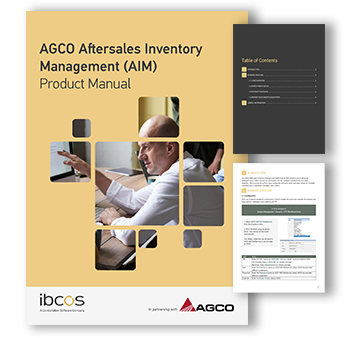
There are currently no user guides available for this product. If you would like to suggest a user guide, please contact us at product_team@ibcos.co.uk

Complete the checklist below or download and print your own copy here: AGCO AIM Checklist
Updates, bug fixes or enhancements made to AGCO AIM in the last year will appear here.
To view all our release notes, click here.
Here is a list of frequently asked questions on AGCO AIM.
Do I need AGCO MDI set up before using AGCO AIM?
Yes. AGCO AIM extends MDI and requires MDI to be configured first.
Can I include non-AGCO parts in AIM order suggestions?
Yes. Non-AGCO prefixes can be included once AGCO/ClearOps mapping is enabled.
Where do I find my dealer credentials for AGCO AIM?
Dealer credentials are available in AGCO MDI WebService or provided by AGCO.
How often should I run the AIM Parts Data Extract?
This should be configured to run daily as part of a batch.
How can I check new orders in Gold?
Run the Outstanding Stock Orders report (Parts Control > Supplier/Pricing/Reordering > Outstanding Stock Orders) for the required supplier prefix.
Where do AIM order suggestions appear after processing?
Order suggestions appear in MDI for review and approval before downloading to Gold.
Will I be notified when new AIM orders are created?
Yes. An email notification is sent when new orders are received.
