
Organise and simplify your workflow with
Coming Soon: Work in Progress (WIP) Boards
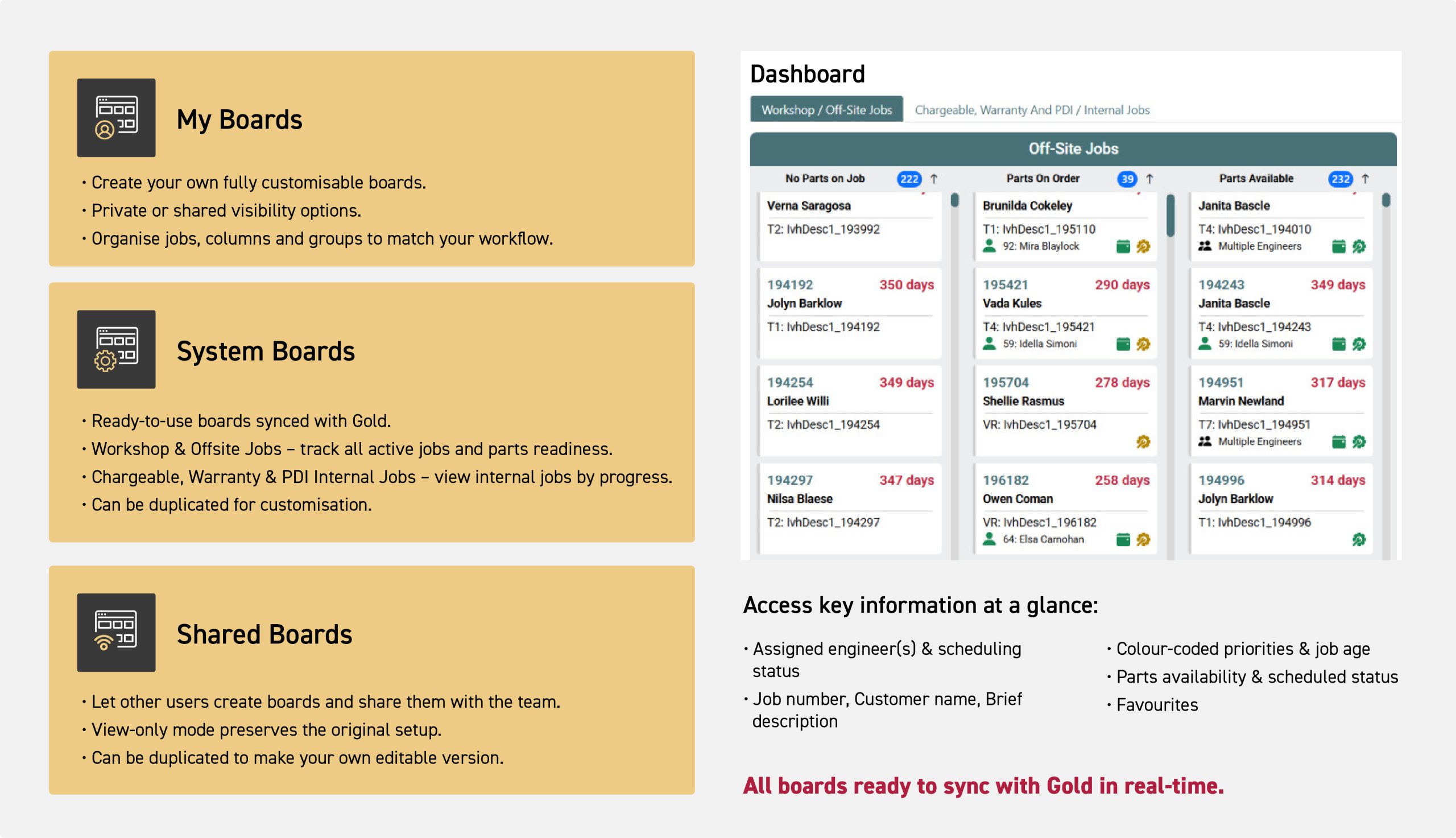
WIP Boards give your team a single, real-time view of every job. Access ready-to-use System Boards, view and duplicate Shared Boards or create fully customised My Boards - all automatically synced with Gold. Prioritise tasks, track progress and improve workflow and collaboration like never before.
Digital Replacement for Physical Cards
Eliminate the risks of paper systems such as lost cards, cramped handwriting, and manual updates. WIP Boards gives your workshop a modern, digital workflow that is always clear, legible, and up to date.
Instant Overview with Visual Dashboards
Two pre-configured boards provide you with an holistic view of all current jobs. No searching through paperwork - everything you need are in these clean, visual dashboards.
Automatically Updated from Gold
WIP Boards continuously pulls live data from Gold, ensuring job cards, statuses, and parts details stay accurate without any manual effort. Jobs move between columns automatically as their status changes.
Smarter Job Prioritisation and Visibility
Colour coding, icons, and job-age visibility make it easy to see which tasks need attention. Supervisors can instantly spot delays, bottlenecks, and priorities at a glance.
Quick Access to Job Details
Selecting any card opens a quick view containing the job number, status, assigned engineer(s) and parts on the job - helping staff act quickly without interrupting others for information.
Real-Time Workshop Updates via the App
Data added to the app by engineers syncs straight to the WIP Boards, showing completed work the moment it happens. This reduces back-and-forth communication and keeps everyone aligned.
Three Boards, One Complete View
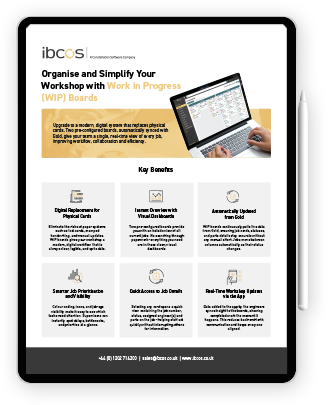
Download our info sheet
Resources
WIP Boards
Product Manual
User Guides
Updates
FAQs
Support
From setup to board management and job tracking, download our product manual for everything you need to know about WIP Boards.
Download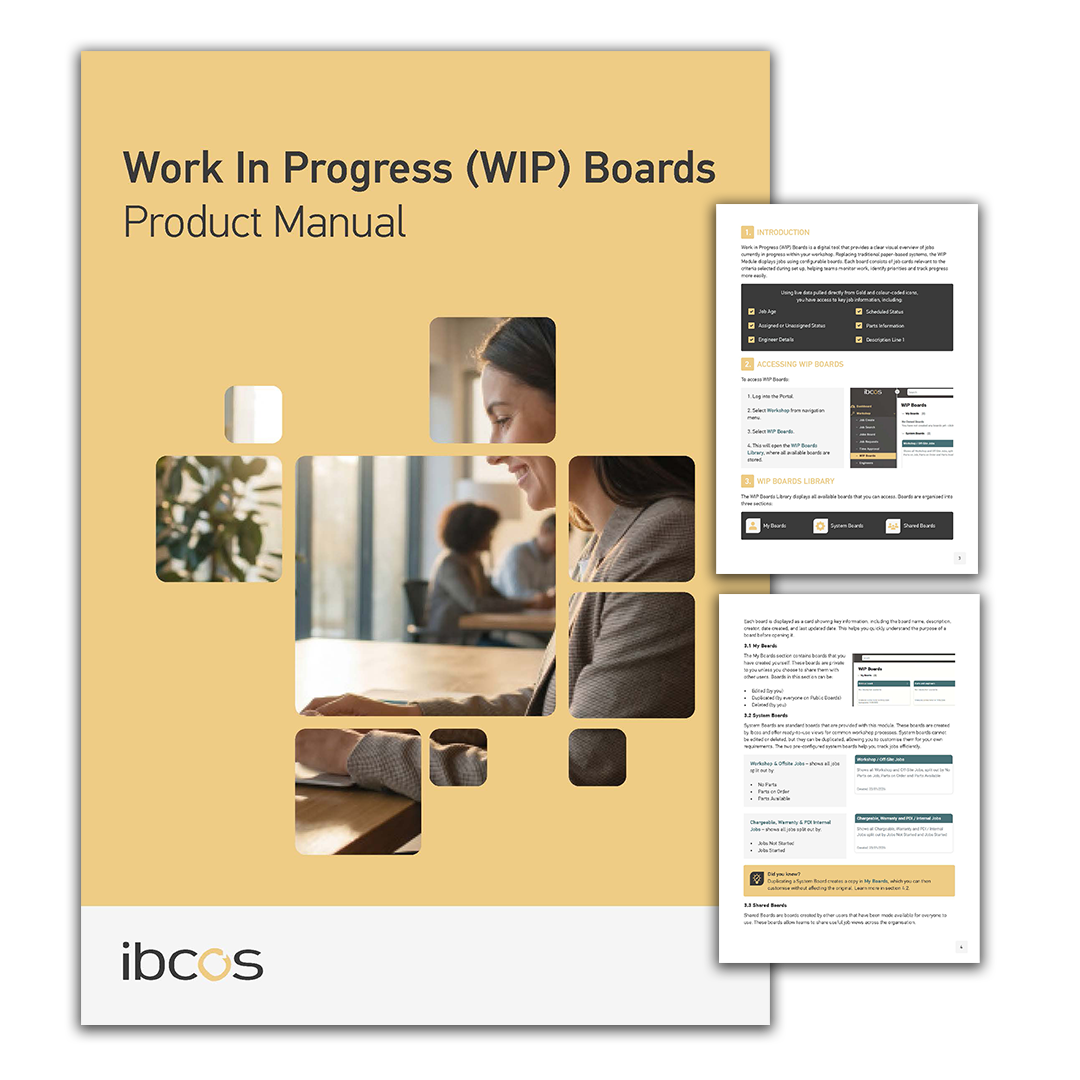
Our user guides walk you through common tasks step by step, helping you quickly learn how to use specific features of the product. If you'd like to suggest any, contact us at product_team@ibcos.co.uk.
User Settings
Accessing WIP Boards
WIP Board Types
Creating New Boards
Job Card Overview
Quick Job Filters
Favouriting Jobs
A guide to setting permissions for users to view or create WIP boards.
Learn how to log in, switch between boards, use Full View Mode and change depots within WIP Boards.
Learn the differences between My Boards, System Boards and Shared Boards, including what you can view, edit, duplicate and manage.
Learn how to build custom WIP Boards using groups, columns and criteria to organise and track workshop jobs more effectively.
A quick guide to the key details, status indicators and visual cues displayed on every job card.
A simple guide to using Quick Filters to narrow down jobs by customer, status, engineer, parts and more.
A guide to adding and removing jobs to and from your favourites list.
Updates, bug fixes or enhancements made to WIP Boards in the last year will appear here.
To view all our product releases, click here.
Here is a list of frequently asked questions on WIP Boards.
What are WIP Boards used for?
WIP Boards provide a visual overview of jobs currently in progress in your workshop. They help teams track job status, priorities, parts availability and engineer assignments using live data displayed in configurable boards.
What’s the difference between My Boards, System Boards and Shared Boards?
My Boards are created and managed by you. System Boards are pre-built boards provided by Ibcos that cannot be edited but can be duplicated. Shared Boards are created by other users and can be viewed or duplicated, but only the original creator can edit or delete them.
Can I customise a board?
Yes. You can customise boards by duplicating an existing System or Shared Board, or by creating your own. Customisation includes adding groups, columns and defining job criteria such as parts status, job type or engineer assignment.
What happens when I apply filters or favourite a job?
Quick Filters temporarily refine the jobs shown on a board and reset when you leave or refresh the page. Favourited jobs are saved and can be accessed in both WIP Boards and Scheduler, helping you quickly prioritise key work.
If you're experiencing any issues or have suggestions for improvement, we're here to assist you. View our resources below for troubleshooting or to share your feedback.
Having Trouble?
If something isn’t working as expected double-check your setup and configuration and review the FAQs for common questions.
Raise a Support Ticket
Still need help? Our support team is here for you. Submit a ticket in our Support Ticket Portal.
Share Feedback & Ideas
We’re always looking to improve. Visit our Ideas Portal to suggest new features or improvements and vote on ideas from other users.
